Generate SSL certificate request and procure SSL certificates from HM Land Registry.
Tools Needed
You will need a local copy of OpenSSL, which can be obtained from Https://openssl.org.
Generating a certificate request
This document has come about as requesting and installing certificates in Azure can be nuanced and drive you a bit batty.
Do not generate a third-party certificate from Key Vault. Key Vault will not let you export the private key, and therefore you will not be able to import the certificate.
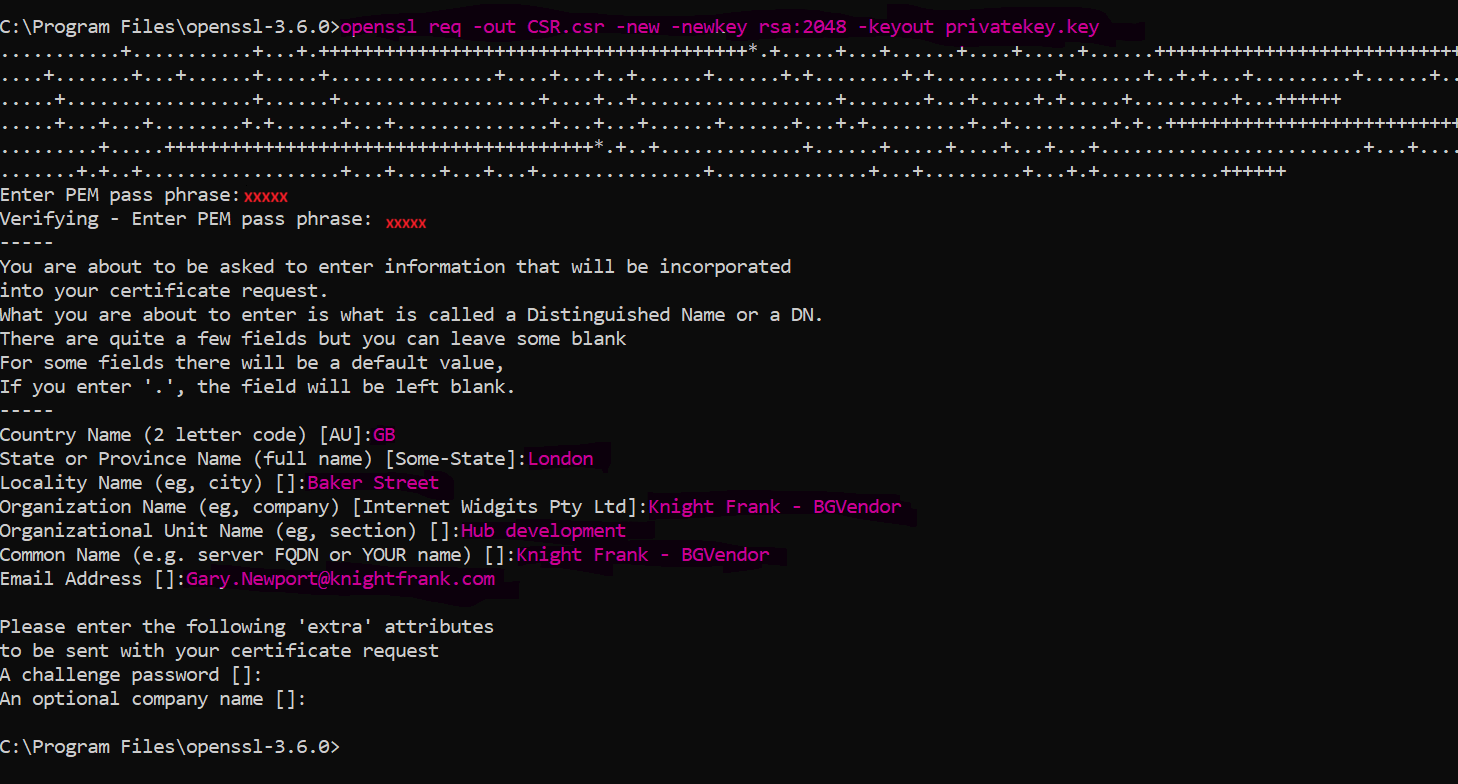
Use OpenSSL to generate a certificate request.
openssl req -out CSR.csr -new -newkey rsa:2048 -keyout privatekey.key
You will be prompted to enter a passcode of at least 4 characters, REMEMBER IT.
You will then be prompted to enter:
This is the example used for the land registry.
| Country Name | GB |
|---|---|
| State or Province | (Optional) London |
| Locality | (Optional) Baker Street |
| Organization | Knight Frank - BGVendor |
| Organizational Unit | (optional)Hub development |
| Common Name | Knight Frank - BGVendor |
Pass the CSR file to the certificate issuer and keep the private.key file safe.
Send To Certificate Issuer.
- Send the CSR file to the certificate issuer and await their response.
- The land registry returns 3 files, a root, intermediate and certificate (cer) files.